https://github.com/dnSpy/dnSpy/releases
Use 32bit if on 32bit systems
Use 64bit if on 64bit systems

Search
Search mods, modpacks, liveries, and forum threads
/ / Heres the tool to edit the .dll files in-game
Heres the tool to edit the .dll files in-game
Solved
Jun 8, 2026
#2
Replying to @𝕩ℂ𝕠𝕤𝕞𝕚𝕔_𝕂𝕚𝕥𝕥𝕪𝕩
Jun 8, 2026
#3
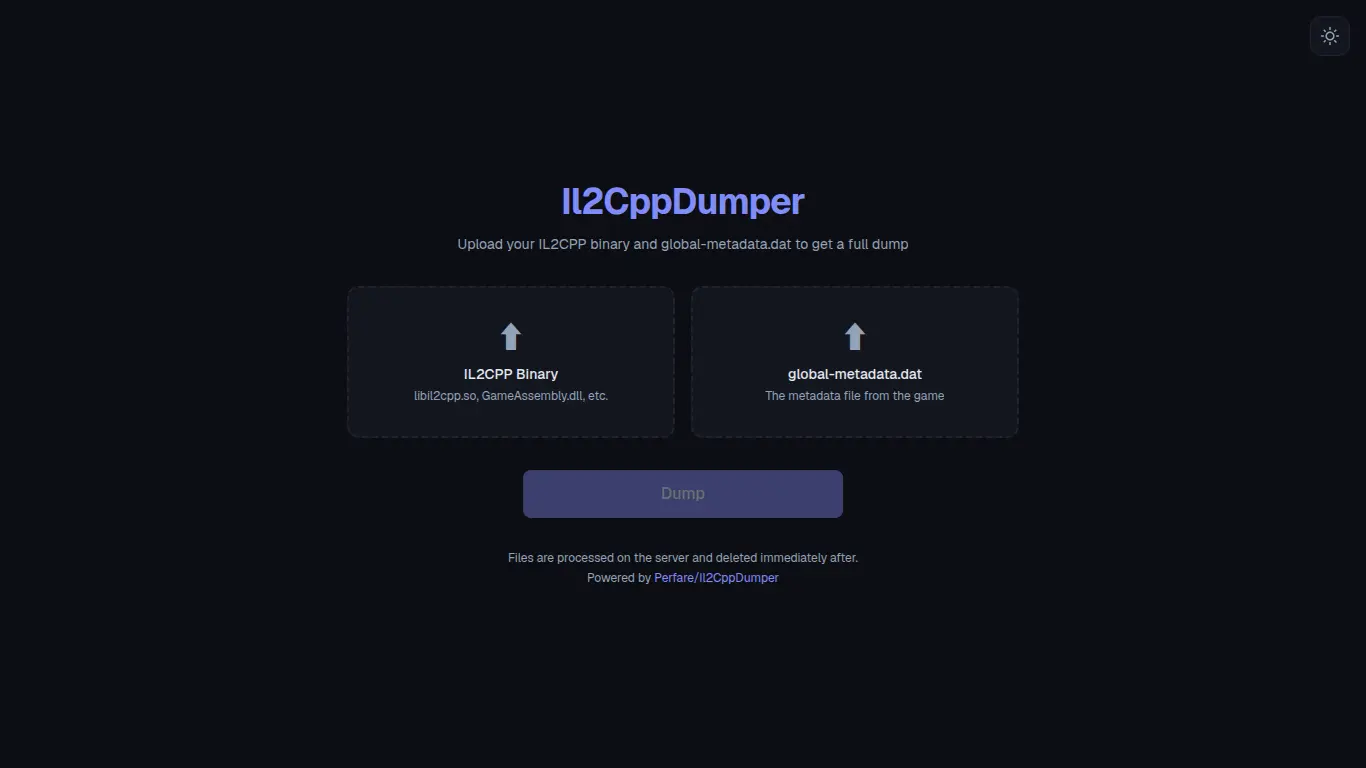
if that doesnt work, use the web version https://il2cppdumper.com/
Jun 8, 2026 ·
#4
Oh wait heres another tool:
https://hexed.it/
if you dont have a hex editor, this is best.
Its web-based, and only needs the "address" of your target
https://hexed.it/
if you dont have a hex editor, this is best.
Its web-based, and only needs the "address" of your target

Jun 8, 2026
#5
and how to edit them? more context please what are we editing here? how do we edit it?
Solution
Replying to @frlz Jun 8, 2026 ·
#7
You use the hexed.it to edit the hex-codes, and the dnSpy to edit the .dll files that contain the data for stuff like power or money etc...
You go into the dnSpy, load your file and take a look at the explorer panel and look for specific points, then use the "address" on hexed.it to edit the hex code you need to, like for example if you need to edit the "flares"you look for the adress in the dnSpy project, and paste that into hexed.it and it will show the exact point
Basically it acts like a "unlocker" of some sort for files that could also be edited through other methods, but this one is simple enough
You go into the dnSpy, load your file and take a look at the explorer panel and look for specific points, then use the "address" on hexed.it to edit the hex code you need to, like for example if you need to edit the "flares"you look for the adress in the dnSpy project, and paste that into hexed.it and it will show the exact point
Basically it acts like a "unlocker" of some sort for files that could also be edited through other methods, but this one is simple enough
Replying to @𝕩ℂ𝕠𝕤𝕞𝕚𝕔_𝕂𝕚𝕥𝕥𝕪𝕩 
If the game does not have a .dll file, you need to extract the data first. You can use a web dumper like Il2CppDumper: il2cppdumper.com, You will need to upload two specific files from the game into the website:File 1 (libil2cpp.so): Found in the lib folder.File 2 (global-metadata.dat): Found in assets > bin > data > managed > metadata. The website will unpack them into a collection of files. Take the newly created Assembly-CSharp.dll file and open it in dnSpy to read it.
Jun 8, 2026 ·
#8
If the game does not have a .dll file, you need to extract the data first. You can use a web dumper like Il2CppDumper: il2cppdumper.com, You will need to upload two specific files from the game into the website:File 1 (libil2cpp.so): Found in the lib folder.File 2 (global-metadata.dat): Found in assets > bin > data > managed > metadata. The website will unpack them into a collection of files. Take the newly created Assembly-CSharp.dll file and open it in dnSpy to read it.
Replying to @frlz
Jun 8, 2026
#9
you use the hexed.it to edit the hexcode without needing an insane amount of tools, though many prefer to use other tools and thats fine
Log in to reply.